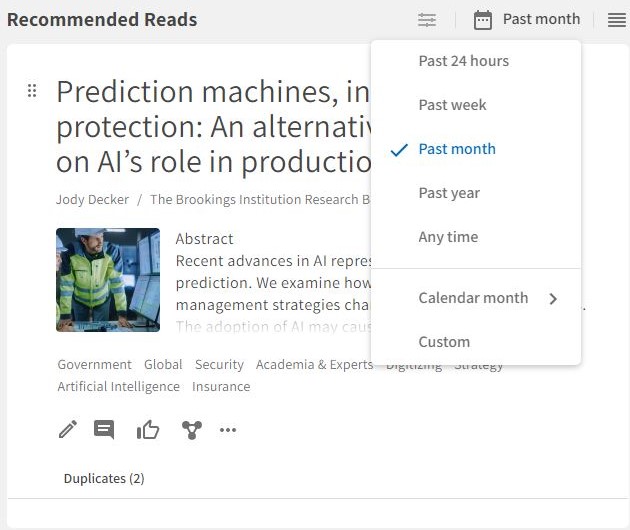
The time period button above the Post list Widget on Dashboards lets users view the Dashboard with all its connected charts and other widgets for different periods.
How to use the feature:
1. Click the time period button (calendar icon) above the Post list widget and select a period.
2. Select Custom to find everything matching a specific day or period.
3. The Dashboard will now mirror the selected period.
4. Click the reset button (circle arrow icon) to reset the Dashboard view.
User Access: All users with access to a Dashboard can use the time period button.
Comments
0 comments
Please sign in to leave a comment.