There is a possibility to set a Dashboard as "active" and "inactive".
Inactive hides the Dashboard for other users when creating or editing the Dashboard.
The invisible icon (crossed eye) is shown when the Dashboard is inactive.

To activate or inactivate a Dashboard:
1. Navigate to Dashboards and select Dashboard.
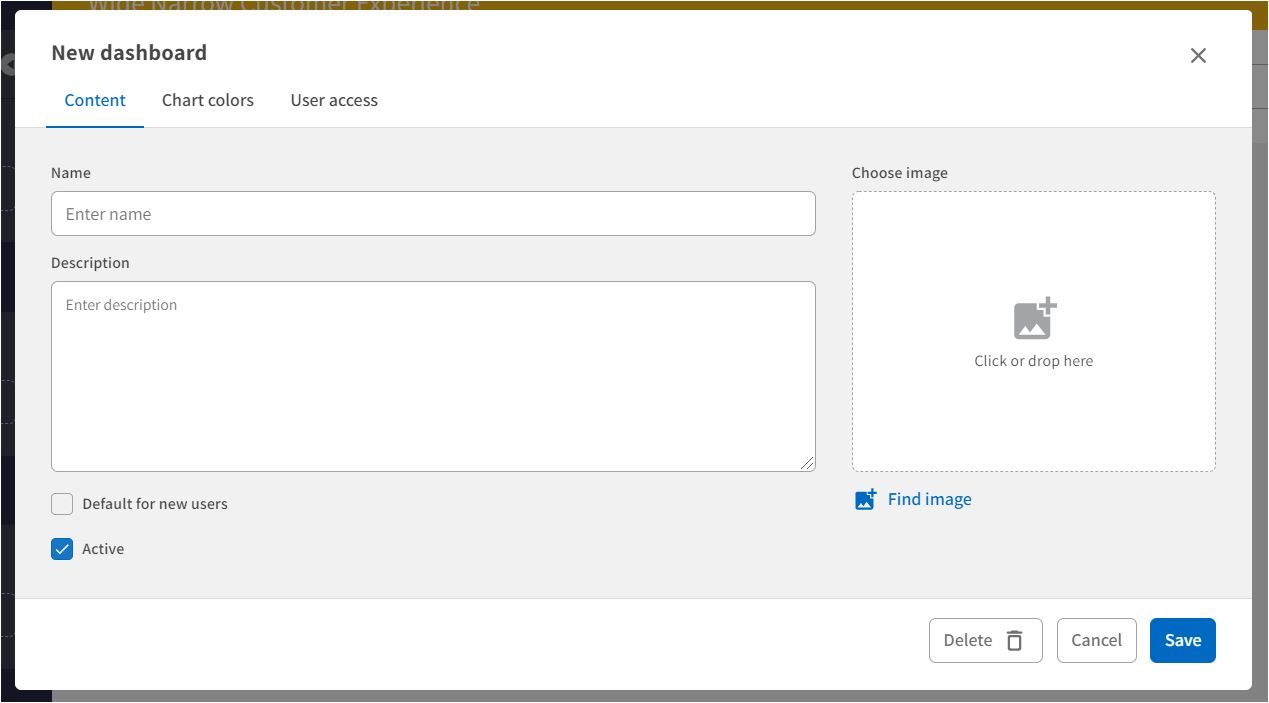
2. On the Dashboard overview page: Click New Dashboard OR click the settings icon (three dots) and then Edit on an existing Dashboard card.
3. On the new/edit Dashboard form: Check or uncheck the Active checkbox.
4. Press Save.
Comments
0 comments
Please sign in to leave a comment.