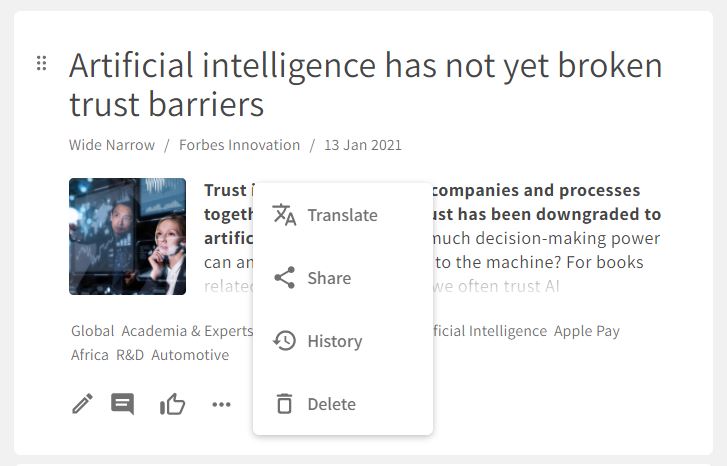
To share a post from the Dashboard:
- Click the More icon below the text field of the post.
- Click Share.
- Add a message.
- Select or add recipients (existing single users and send lists or new email addresses).
- Click Send.
To share a post from the Dashboard:
Comments
0 comments
Please sign in to leave a comment.