Mathematically, 360-degrees refers to a full circle. In strategic planning, a 360-degree screening is the ability to see everything around you with no blind spots. Usually, this means that you follow some structured model for monitoring all relevant aspects of your business environment, focusing on macro trends within a broad scope of areas. The PEST model, where political, economic, social, and technological changes are collected and analyzed, is one of the most used models.
To make such a 360-degree outlook with the help of, for example, the PEST model, you need to start by continuously monitoring the world around you or make an active research effort to find a basis for your analysis.
Wide Narrow features to use:
Wide Narrow Inboxes, DIY Inboxes, Search, and Contributions.
Wide Narrow Inboxes
The Wide Narrow Information Specialist Team has a long experience setting up Inboxes with sources and filters customized to follow long-term trends, macro trends, and industry and market trends that might be a foundation for strategic planning and other strategic work. Read more about Wide Narrow Inboxes HERE.
How to start - Wide Narrow Inboxes:
- Fill in the Information Request Form to order four inboxes following political, economic, social, and technological changes with relevance to your business
- The customer manager from Wide Narrow will contact you to confirm your order.
DIY Inboxes
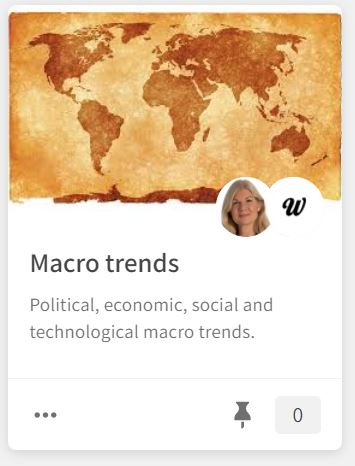
Alternatively, you can create your own 360-degree coverage in DIY Inboxes. Use the Wide Narrow Web scraper or any other Inbox Connections to connect your favorite macro sources to your DIY Inbox. Read more about DIY Inboxes HERE.
How to start - DIY Inboxes and Wide Narrow Web scraper:
- Navigate to Inboxes and click New Inbox.
- Enter a name and Save.
- Click the settings icon and select Connections.
- Click Add on the Web scraper connection.
- Enter a title and an URL and click Save.
- Repeat step 5 for all macro trend sources you want to monitor in your DIY Inbox.
Search
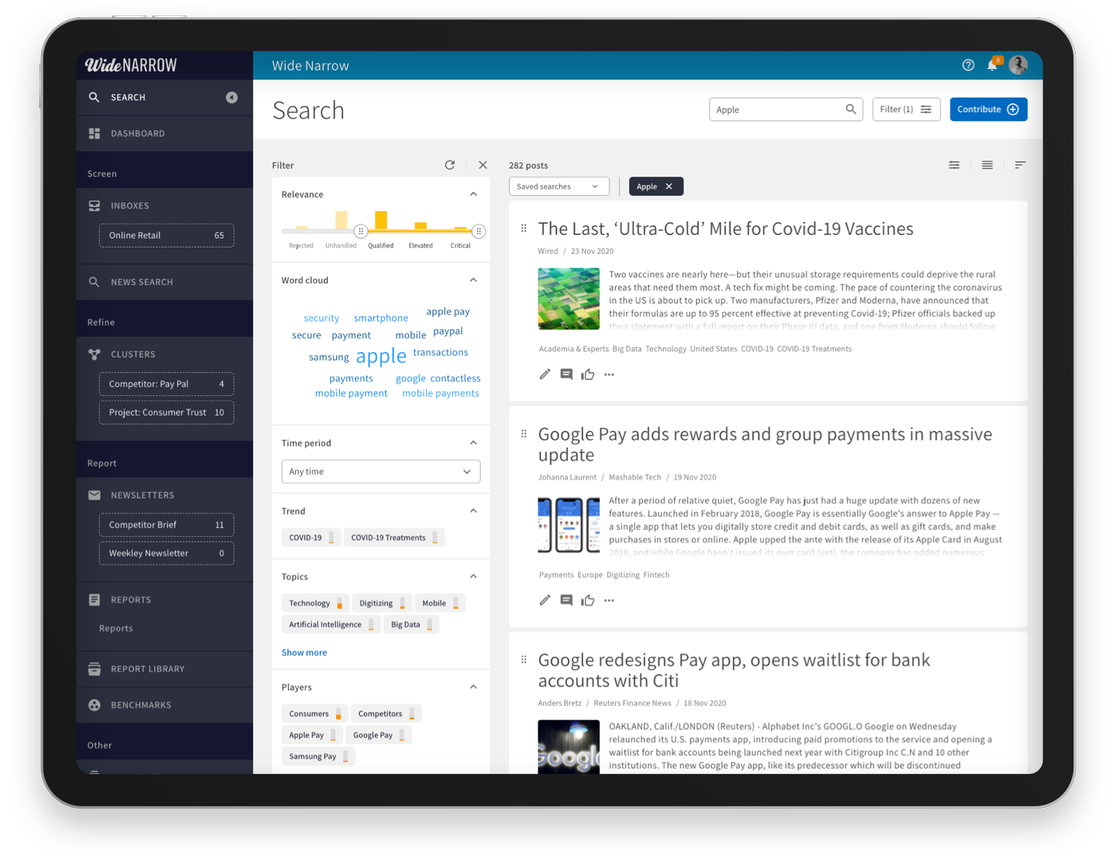
If you are already monitoring macro trends in Wide Narrow, use the Search function to find relevant information for the strategic work. Read more about how to use Search and Filter HERE.
How to start - Search:
- Go to Clusters and create a new Cluster to save the relevant posts you find in Search
- Navigate to Search and click Filter to open the advanced search filter.
- Use the filter categories to filter information based on Political, Economic, Social, and Technological changes. As all customers have unique scopes and filter categories, you may not have these terms in your portal. Then use other similar filter categories or the free text search to find the most relevant information for your 360-degree Screening.
Contributions
If you want to supplement with additional information that you have found outside Wide Narrow, you can use the Contribute button. Encourage your colleagues to do the same and gather all the information in one place. Read more about the Contribute function HERE.
How to start – Contribute:
- Click the Contribute button at the top right of the Dashboard (landing page).
- Enter a link or drop a file and click Continue.
- Contribute to: Select Search for the Contribution to end up in Search or select an Inbox to send the Contribution to a specific contributable Inbox.
- Edit the Contribution and click Save.

Comments
0 comments
Please sign in to leave a comment.