You can create both manual and automatic newsletters in the Newsletter feature of Wide Narrow. If you send your newsletters manually, you can use the auto-send functionality when necessary.
Suppose you usually send out your newsletters manually on Fridays and have a holiday or other commitments on a specific Friday. In that case, you can easily change the setting to auto-send for the particular Friday.
Do as follows to switch from manual to auto-send:
- Navigate to Newsletters and open your newsletter.
- On the Create page: Edit your newsletter's content and get it ready for sendout.
- On the Distribution page: Select send list
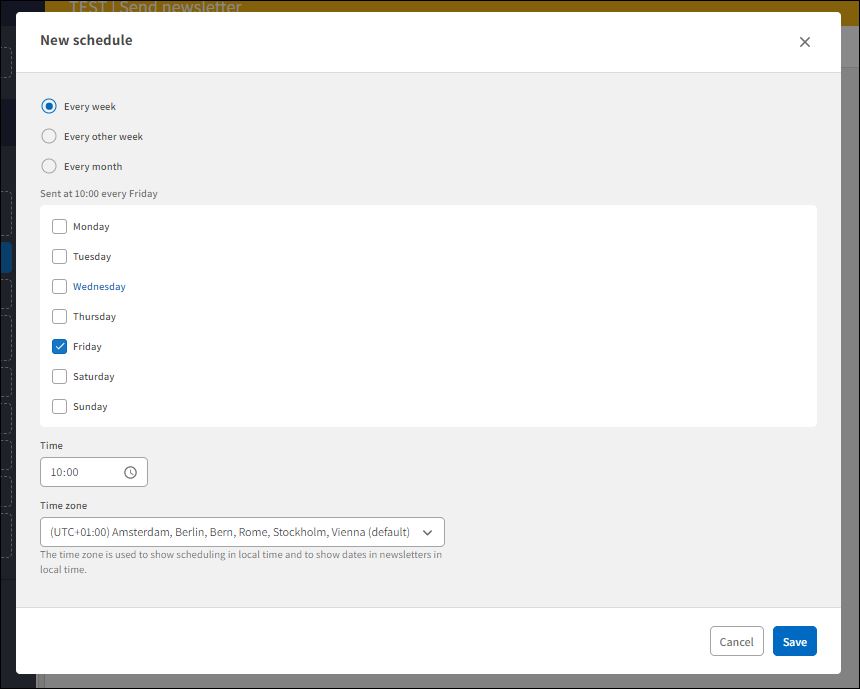
- On the Send page: Click the Schedule delivery button, schedule the day and time of the sendout, and click Save.
Don't forget to switch back to manual sendout before the next newsletter sendout.
User Access: The Newsletter module is only available for Superusers.
Comments
0 comments
Please sign in to leave a comment.