Contributions can be published directly in Search or in a contributable Inbox. To make an inbox available for contributions, follow these steps:
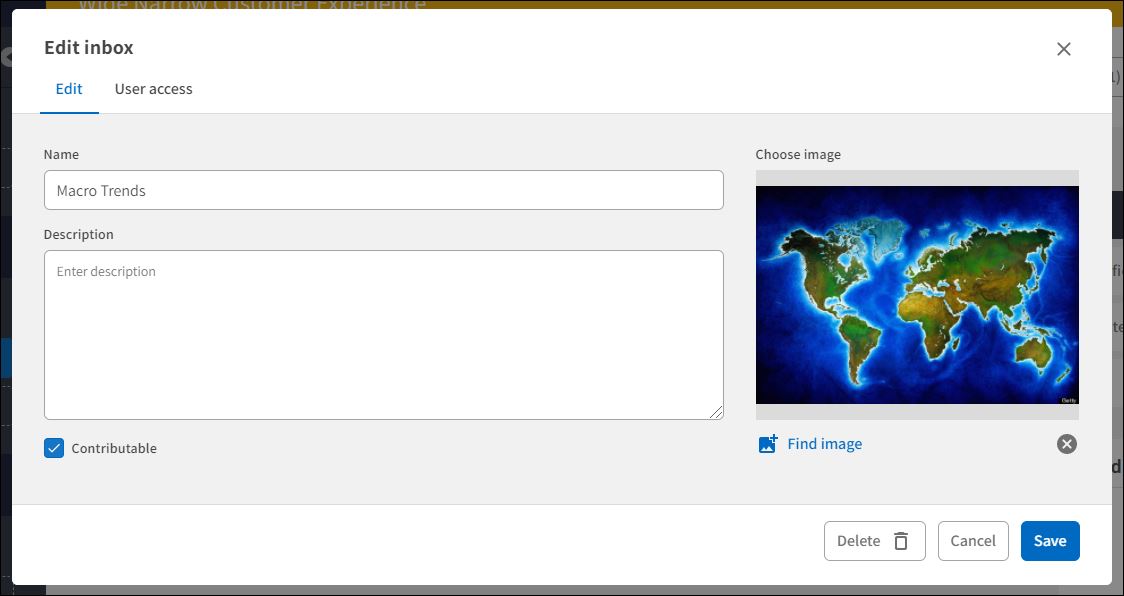
1. On the Inbox card, click Settings (three dots) and then Edit.
2. On the inbox Edit form: Check the "Contributable" checkbox.
User Access: Inboxes are only available for Superusers. You need to have Owner access to an inbox to change the inbox settings and make the inbox available for contributions.
Comments
0 comments
Please sign in to leave a comment.