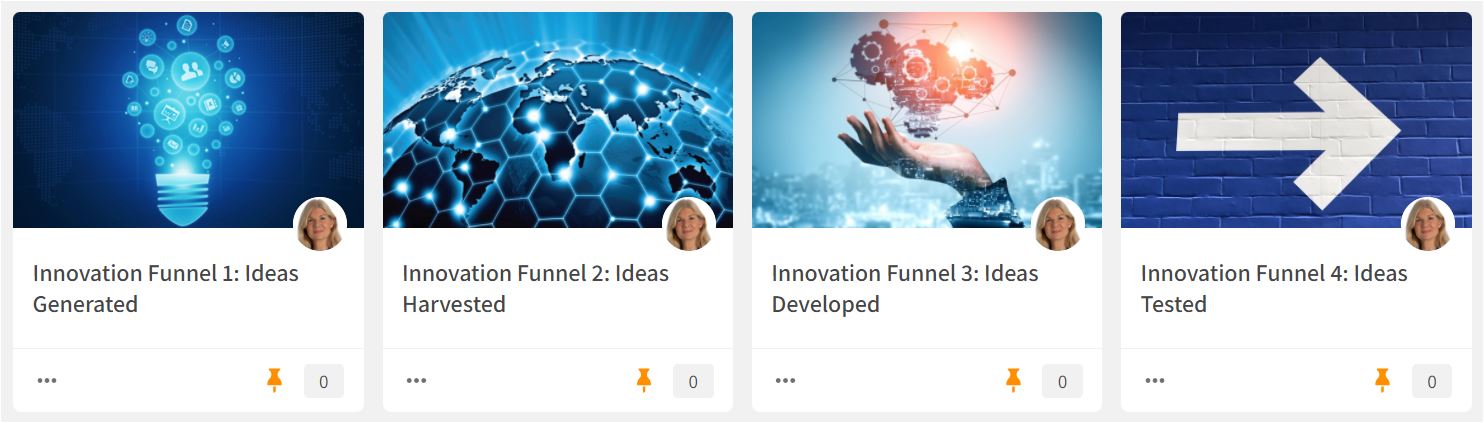
Clusters are excellent workspaces to gather and sort ideas through the ongoing process by which your organization's pool of R&D ideas is examined and whittled down before being shaped into concepts and tested. Create Clusters to reflect all the steps in your Innovation Funnel, for example, one Cluster each for these Innovation Funnel steps:
- Ideas Generated
- Ideas Harvested
- Ideas Developed
- Ideas Tested
- Ideas Implemented
Move your content from one stage to the next as it becomes more and more refined. Use Summaries to concretize and summarize your ideas. Use the share, comment, and chat functions to collaborate and communicate. Ping your colleagues for peer-reviewing as you add content to a new process step.
Read more about how to use Clusters and Summaries HERE.
Wide Narrow features to use:
Clusters and Summaries
User Access: The Cluster module is available for all users by default, but Portal Admins may limit access to the Cluster module. Cluster Owners can make the Cluster open for all users or restrict access to selected users or user groups, for example, the Innovation Team.
Comments
0 comments
Please sign in to leave a comment.