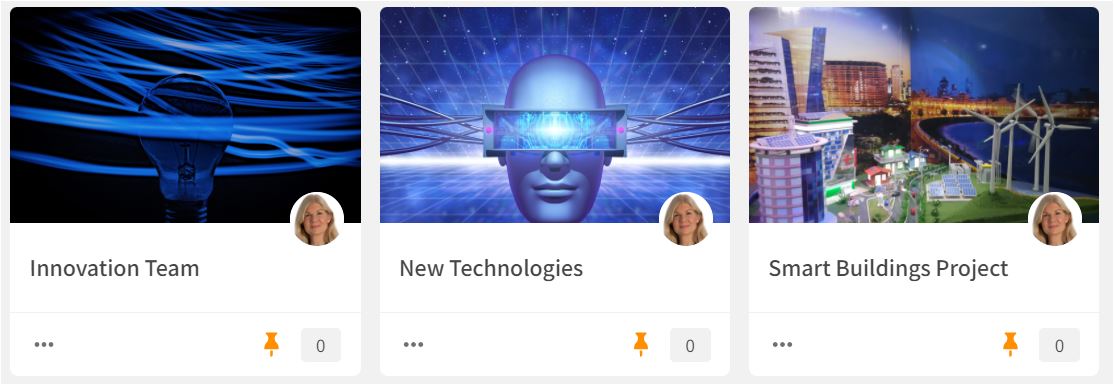
Whether you have one or several Innovation Teams, Clusters is a great way to organize your work. Create Clusters as team collaboration areas for key innovation topics and projects. Feed the cluster with external content relevant to the topic to support and fuel your ideation processes. Use the Summary feature to summarize the content regularly. Use the share, comment, and chat functionality to collaborate and share ideas and reflections.
Read more about how to use Clusters and Summaries HERE.
Wide Narrow features to use:
Clusters, Summaries
User Access: The Cluster module is available for all users by default, but Portal Admins may limit access to the Cluster module. Cluster Owners can make the Cluster open for all users or restrict access to selected users or user groups, for example, the Innovation Team.
Comments
0 comments
Please sign in to leave a comment.