You can create saved searches on everything you qualify in your inbox and link the saved search to an automated newsletter.
To create a saved search based on everything you qualify in your inbox, follow these steps:
1. Go to Search > Filter.
2. Set the relevance slider from qualified to critical.
3. Set time period to Anytime
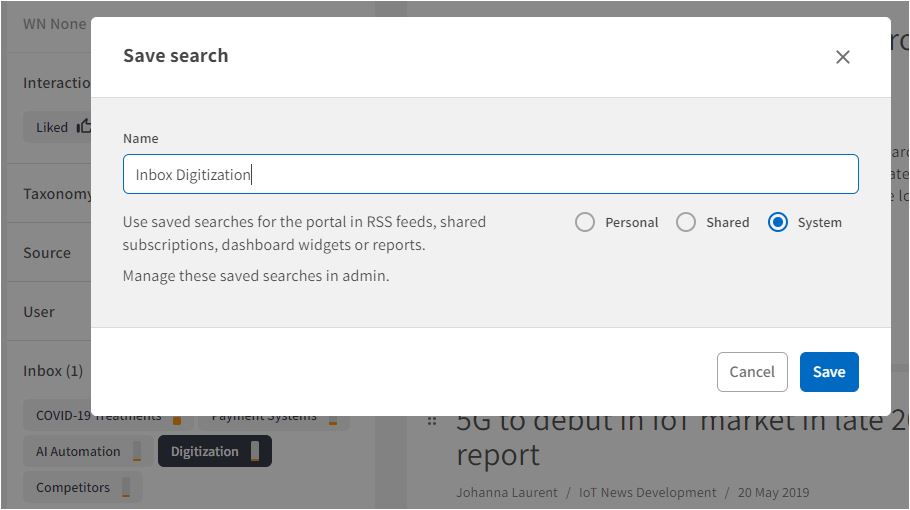
4. Select an inbox under the Filter option "Inbox."
5. Save as system-saved search.
Important to note:
The saved search must be a system saved search to be used in an automated newsletter.
When creating a saved search based on an inbox, you have to make the saved search in Search. You cannot create the search in the inbox itself.
Comments
0 comments
Please sign in to leave a comment.